Works your desktop.
Echo sees the screen you share, finds the right window, opens apps, moves the mouse and types — in any application, including the web.
Nova Echo is a desktop agent that sees your screen, moves the mouse, types, opens apps and browses the web — working alongside the other Compass agents. Type or just talk, and approve every step along the way.
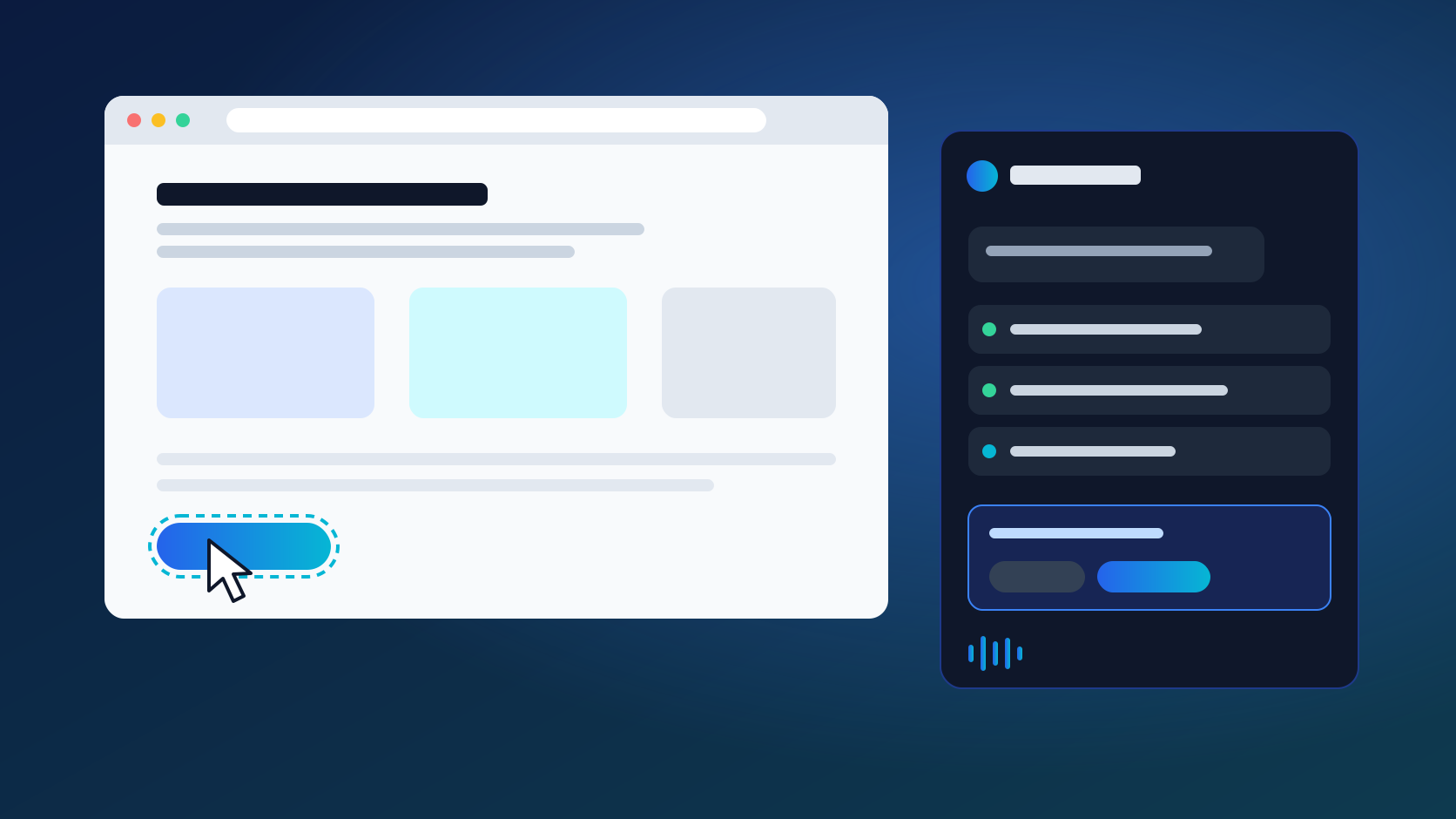
Every action shows up in the activity panel. Click a step to see the request it came from.
Pull last month's sales from the portal and drop them into the regional workbook.
Done. I asked Gilford to add the chart — want me to send the summary to the team?
Yes, email it to the sales leads.
Echo opened the browser, exported the data and filled in the workbook.
Opened the sales portal and downloaded October's figures.
Sending an email always needs your explicit go-ahead.
Example task shown for illustration.
Echo sees the screen you share, finds the right window, opens apps, moves the mouse and types — in any application, including the web.
Start with a typed request and follow up out loud. Echo answers in natural speech, and you can interrupt it at any moment.
Read and write files only in the folders you allow, and run commands only after you have checked exactly what will run.
Echo brings the Compass family to your computer. It hands work to the right specialist and uses the tools your organisation has already connected.
Meet the Compass familyHand spreadsheets to Gilford, decks to Barnaby, documents to Marlowe and email to Alfred — Echo keeps the task moving between them.
Web search, knowledge, Microsoft 365 and document tools available to your Compass account, ready to use in the same conversation.
A dedicated Compass computer-control component drives the mouse, keyboard and windows, checked before every launch.
Describe the task in plain language — typed or spoken.
Echo looks at your screen and works out the steps and the tools it needs.
Allow each action once, for the task, or say no. You decide.
Follow every step in the activity panel, or press Stop at any time.
Echo can do a lot on your desktop. It only ever does what you allow.
Screen sharing, mouse and keyboard, folders and connected tools each have their own switch. Echo can't give itself access.
Sending, deleting and financial actions need your specific confirmation, and every command is shown to you before it runs.
Your Compass key is stored in the Windows Credential Manager or the macOS Keychain — never in the chat. Revoke remembered permissions whenever you like.
Nova Echo is a desktop app for Windows 10 and Windows 11 (x64). A macOS version is on the way.
No. Each action needs your approval, and you can allow it once or for the current task. Sending, deleting and financial actions always ask again.
Your request, the screenshots you choose to share and, during voice conversations, your microphone audio. Audio is not saved on your computer.
Yes. Press Stop at any time to cancel the work in progress. Stop can't undo actions that are already complete, so review important steps before approving them.
Nova Echo is published on GitHub. The first release is coming soon — follow the repository to be notified when the installer is available.
Give Nova Echo your next repetitive task and keep your attention on the work that matters.